





THE ALTERNATIVE
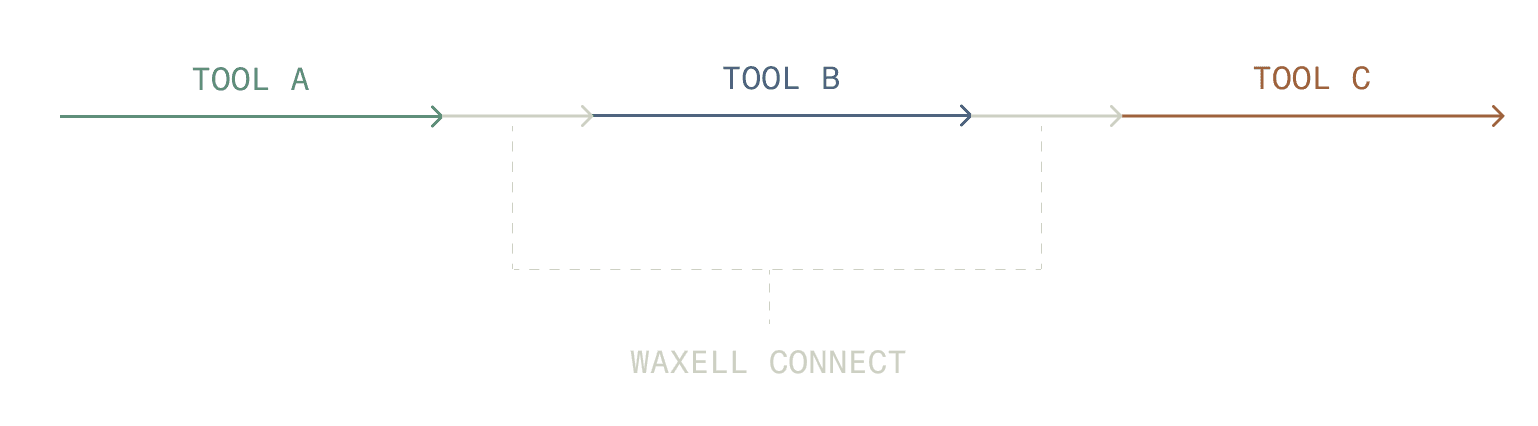
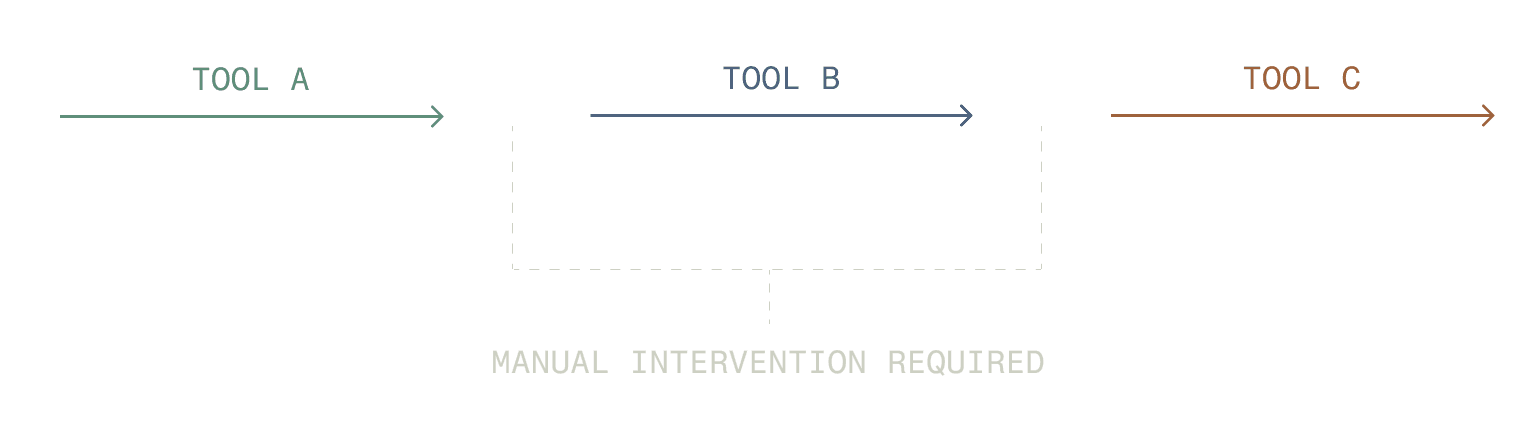
When AI tools don't share context, every human on the team becomes a router. You're the one forwarding outputs, re-briefing agents, and keeping track of where things stand.
Connect replaces that with a shared layer that all your tools — and your team — read and write from automatically. The coordination happens. You just don't have to do it.
WHAT WAXELL CONNECT IS
The coordination layer for your toolstack.
Waxell Connect gives the AI tools you're already using a shared space to work from. Shared context, shared files, shared memory — and a handoff system that routes work to the right agent automatically.
And it's not just for your agents. Your human team lives in the same space — seeing what's been done, what's in progress, and what needs review. No separate updates. No duplicated channels.
It works with the tools you already pay for. You don't replace anything. You just stop being the glue between them.
Connect workspace
─────────────────────────────────
Cowork → Claude Code
Brief drafted → Implementation started
✓ Handed off automatically
Shared context
All agents reading from the same project workspace
Team visibility
3 agents active · 2 tasks pending your review
─────────────────────────────────
BUILT FOR YOUR REAL WORKFLOWS
From brief to build. From research to report. From flag to fix.
Spec to Build
From brief to implementation — without a single copy-paste.
Cowork → Claude Code
Cowork drafts the brief. Claude Code picks it up and starts the implementation — reading from the same shared workspace, no context-switching required.
Research to Deliverable
Raw findings become a finished output automatically.
Research agent → Writing agent
A research agent gathers the data. A writing agent shapes it into a finished report. You review the output — not the handoff.
Flag to Resolution
Problems get spotted, routed, and resolved — without you in the middle.
Monitor → Actor → Done
One agent spots a problem and logs it. Another picks it up and acts. A third closes it out. Work moves forward on its own.
WHAT YOU GET
One team. Finally in sync.
Everything your AI tools need to work as a team — so you can stay focused on the work that actually needs you.
FAQ
How is Connect different from just using each AI tool separately?
When you use AI tools separately, you become the integration layer — copy-pasting outputs, re-explaining project context, and manually routing work from one tool to the next. Connect eliminates that. Tools share a workspace and hand work off automatically. You step in when a decision actually needs you, not to move information between tools.
Do I have to replace any tools I'm already using?
No. Connect works alongside the tools you already pay for. It doesn't replace Claude Code, Cowork, Cursor, or OpenAI — it connects them. Your existing subscriptions and workflows stay intact. Connect adds the coordination layer on top.
Can my human teammates use Connect too?
Yes — and that's a core part of what makes Connect different. Your teammates work in the same shared workspaces as your AI tools. They can see what's been done, what's in progress, and what needs a human decision, all in one place. No separate status updates. No parallel tracking systems.
What does "shared context" mean in practice?
When you create a workspace in Connect, you add the files, notes, instructions, and background your agents need. Every tool connected to that workspace reads from it automatically — so you never have to re-explain your project to a new Claude session, Cursor instance, or OpenAI call. All tools share the same source of truth.
How does Connect relate to Waxell Observe?
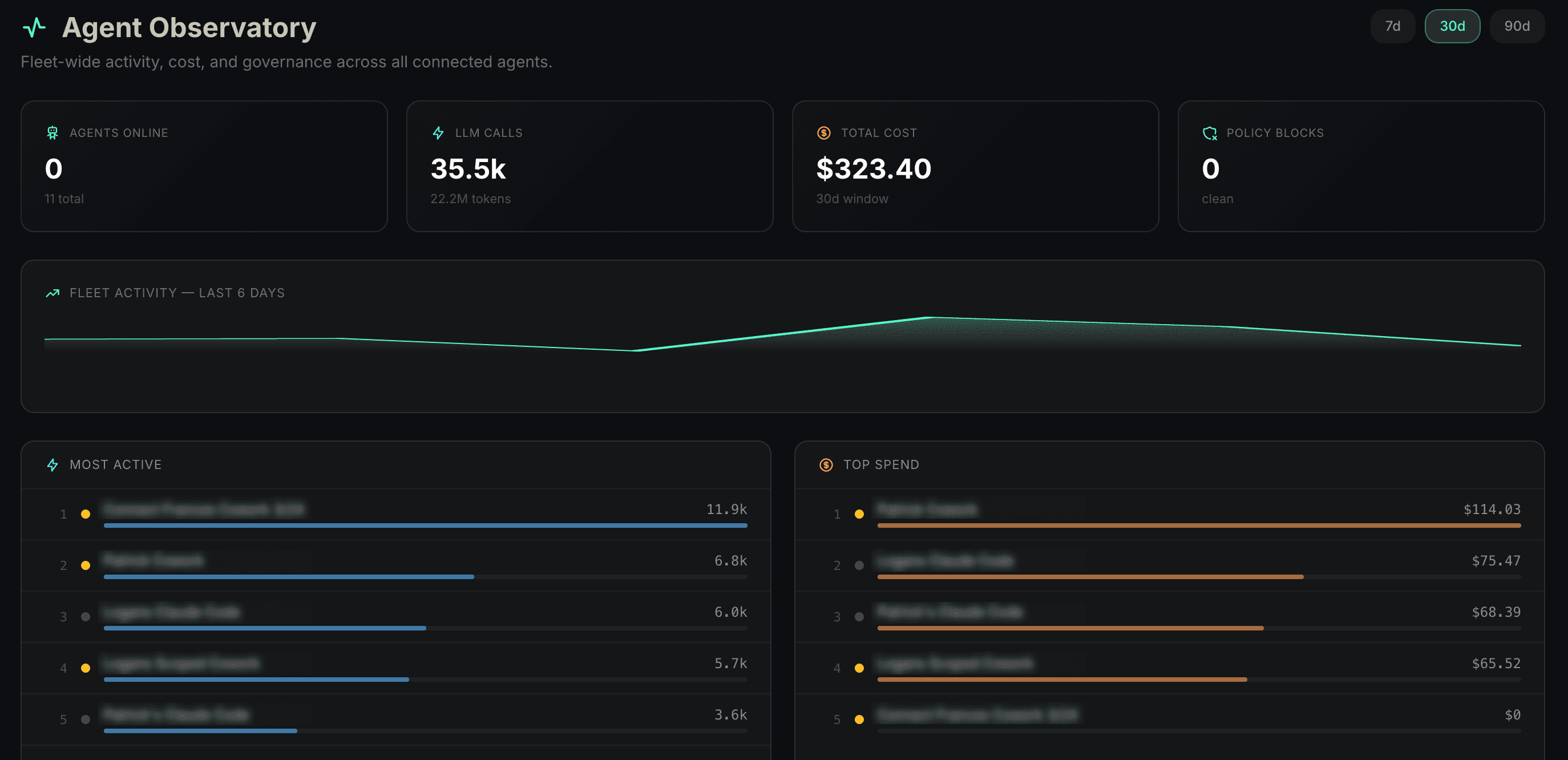
They're complementary. Waxell Observe gives you visibility and governance over what individual agents do in production — traces, policies, cost controls, guardrails. Waxell Connect gives your agents and your team a shared coordination layer — workspaces, handoffs, shared context, and visibility into multi-tool workflows. Together, they cover the full picture: what your agents do, and how they work together.
Is my data secure?
Yes. Waxell is SOC 2 compliant, and Connect inherits the same security posture as the rest of the platform. Workspace data is isolated per account and never shared across organizations. You can review our security posture at the Trust Center.
What does setup look like?
Connect is designed to slot in without changing how your existing tools work. You connect the tools you already use, create a workspace, and drop in your context. There are no migrations and no changes to your current agent configuration. For most setups, you're running in the same session you started.